
Why Every Cam Model Needs a Dedicated Work Phone (And How to Set It Up)
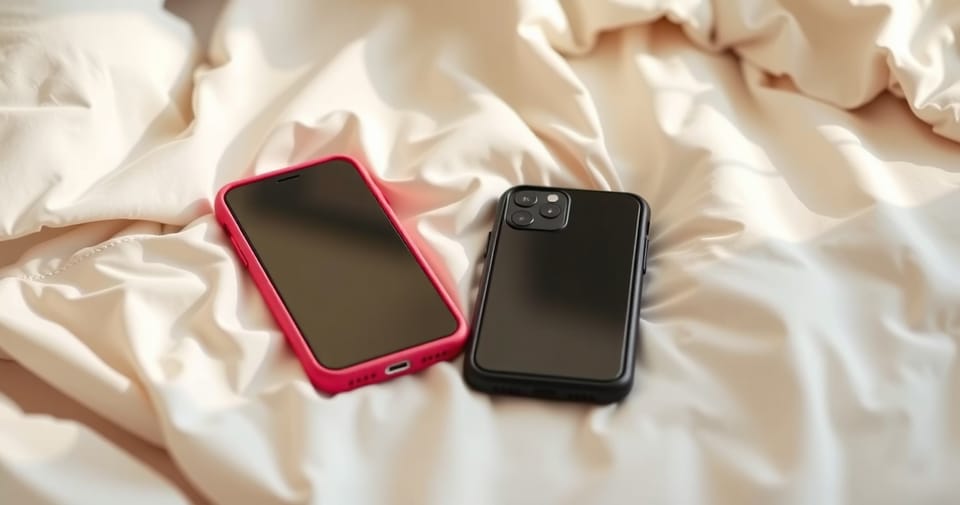
You're at dinner with your family when you feel your phone buzz. Without thinking, you pull it out to check—and your stomach drops. Right there in your notifications: a message from last night's stream, complete with NSFW preview. Or maybe you've handed your phone to a friend to show them a funny meme, only to watch in horror as they swipe one too many times.
If that pit-in-your-stomach feeling sounds familiar, you're definitely not alone. It's one of the most common stressors for anyone creating adult content. But here's the thing—there's an incredibly simple fix that'll change your entire relationship with work, slash your daily anxiety, and even put money back in your pocket come tax season.
The Hidden Cost of Mixing Work and Personal

Using one phone for both your regular life and your camming career means you're basically carrying a bomb in your pocket. Every buzz could be a work notification at the worst possible time. Every photo request from a friend becomes a risk assessment. Your camera roll, search history, and push notifications? All potential disasters waiting to happen.
Here are the horror stories that keep popping up in cam communities:
- Sending spicy content meant for a client to your mom instead (yes, this happens more than you'd think)
- That "hidden" photo folder deciding to unhide itself at exactly the wrong moment
- iCloud cheerfully syncing your work content across every Apple device you own—including the iPad your kid uses
- Getting literally hundreds of SextPanther notifications every week, burying actual important personal messages
- Trying to show someone a website and your browser helpfully displays all your work bookmarks
Living like this is exhausting. You're constantly on edge, checking twice before opening your phone in public. That mental load adds up fast and makes it impossible to ever really clock out.
The Game-Changing Benefits of a Work Phone
A dedicated work phone isn't just about privacy—it completely transforms how you run your business. Models who've made the switch? They say it's life-changing, and here's why:
Mental Health and Peace of Mind
The number one benefit? You can actually breathe again. No more mini panic attacks when someone asks to see your photos. No more calculating risks every time you unlock your screen in public. You can literally hand your personal phone to your mom, your partner, your best friend—whoever—without that instant dread. That alone is worth every penny.
Tax Benefits That Pay for Themselves
Here's where it gets even better: your work phone is 100% a business expense. The device itself, your monthly bill, that cute case you bought—all tax-deductible. Save those receipts and your accountant will be thrilled. Depending on your tax bracket, you could be getting a significant chunk of that money back anyway.
Better Organization and Professionalism
When all your work stuff lives in one place, everything just clicks. You'll never lose a paying client's message in a sea of personal texts. Plus, let's be real—having two phones makes you look like you've got your shit together. There's something about it that just screams "professional."
Platform-Specific Freedom
Want a work Snapchat that never touches your personal account? Done. Need separate Twitter and Instagram profiles without constantly logging in and out? Easy. Managing multiple platform identities becomes seamless when you've got dedicated devices.
How to Set Up Your Work Phone the Right Way
Do this right from the start and you'll save yourself so many headaches. Here's exactly how to keep everything completely separate:
Step 1: Choose Your Device
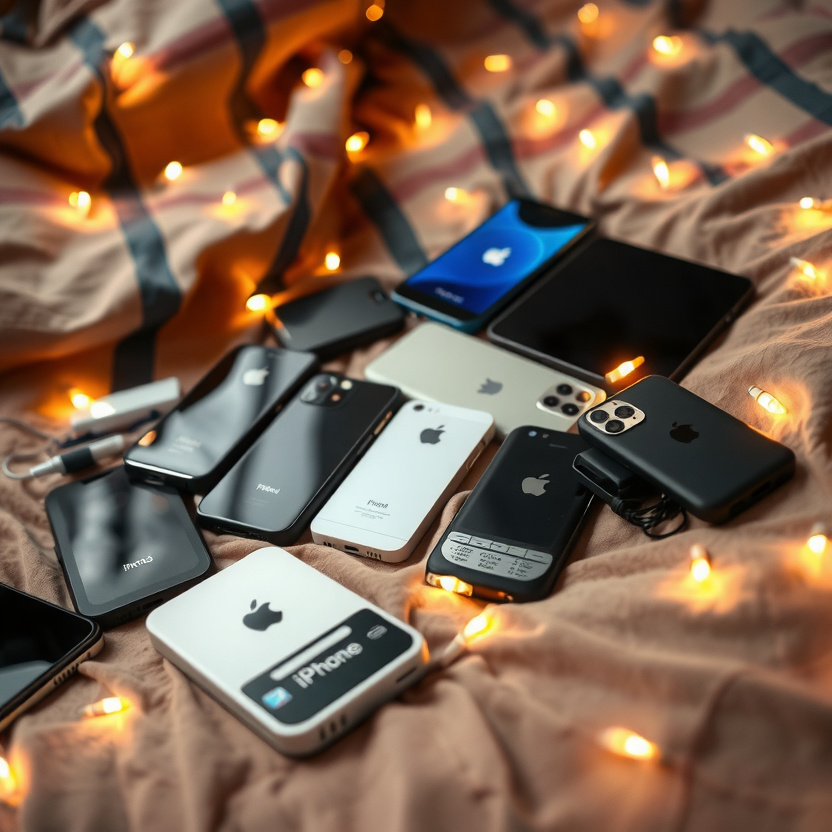
You don't need to drop a grand on the latest iPhone. Most models use:
- Their old phone when they upgrade their personal one
- A budget smartphone (even WiFi-only works great if you're camming from home)
- A refurbished phone from a trusted seller
Pro tip: If you're mainly working from home, you don't even need a phone plan. WiFi-only still gives you most of the benefits without the monthly bill.
Step 2: Critical Setup for iPhone Users
If you're rocking an iPhone for work, DO NOT skip this part. Apple's whole thing is syncing everything everywhere, which is the exact opposite of what we want here.
- Power off every single personal Apple device before you even turn on your work phone
- Create a brand new Apple ID just for work (use a different email address)
- Set up the work phone using only this new Apple ID—never sign in with your personal one
- Turn off iCloud photo sync, or keep it on a completely separate iCloud that never touches your personal stuff
This is how you avoid the nightmare of your work photos popping up on your family's shared iPad. Trust me, you do not want that surprise.
Step 3: Email Organization
Create one dedicated work email and use it for everything work-related. Link all your cam sites, payment processors, and business accounts to this single email. This setup makes it stupid easy to:
- Track everything for tax purposes
- Never miss a message from a client
- Keep your personal inbox actually usable (goodbye, SextPanther notification spam)
Step 4: App Organization
These live exclusively on your work phone:
- Camming platforms (Chaturbate, StripChat, whatever you use)
- Content subscription sites (OnlyFans, Fansly, etc.)
- Client messaging apps (SextPanther and the like)
- Your work social accounts (separate Twitter/X, Instagram, Snapchat, TikTok)
- Payment apps for tracking income
- Photo and video editing tools
Step 5: Create Clear Boundaries
Here's where the magic really happens: when you're done working, you can literally turn off your work phone and put it in a drawer. That physical act of powering down creates a mental boundary that's impossible when everything lives on one device. When that phone's off, you're truly off the clock—no guilt, no FOMO, just actual time off.

Additional Tips for Maximum Privacy
- Use different passcodes or Face ID for each phone—you don't want to accidentally unlock the wrong one out of habit
- Get different colored cases so you can tell them apart at a glance
- Dial down notifications within apps like SextPanther—just because it's your work phone doesn't mean you need to be buzzed constantly
- Save every receipt (the phone itself, cases, screen protectors, monthly bills)—your tax person will thank you
- Grab a privacy screen protector for extra peace of mind when you're working in public
The Bottom Line
Getting a work phone is hands-down one of the smartest moves you can make for your career. For under $200 (sometimes way less if you repurpose an old device), you get:
- Way less anxiety on a daily basis
- Rock-solid privacy
- Way better organization
- Tax deductions that help pay for the whole thing
- Actual boundaries between work and life
Every model I know who's made the switch calls it a total game-changer. Being able to hand someone your personal phone without that spike of panic, actually turning work off when you're done for the day, keeping everything organized—it honestly changes everything.
Your mental health matters. Your privacy matters. And your business deserves the level of professionalism that comes with proper separation. If you've been thinking about getting a work phone but haven't pulled the trigger yet, consider this your sign.
Already using a dedicated work phone? I'd love to hear how it's changed things for you. Drop a comment below or hit us up on social media—real talk about what actually works helps everyone.