The Posture Crisis: Why Cam Models Are Getting Chronic Pain in Their 20s (And the $50 Setup That Actually Prevents It)
So I came across this post a few months back. A 24-year-old model on Reddit saying she literally couldn't lift her arm above her shoulder anymore. She'd only been camming for two years. When she finally went to the doctor, they told her she had the spine of someone in their mid-fifties who'd been sitting at a desk job for decades.
Then last week, another model posted about having to stop streaming for three weeks straight. Her wrist pain got so bad she couldn't even type. She's 22.
Here's the thing nobody really talks about in this industry. We'll discuss algorithms until we're blue in the face. We'll debate taxes, burnout, platform policies... but somehow we skip right over the fact that streaming 5-8 hours a day in terrible positions is literally breaking our bodies.
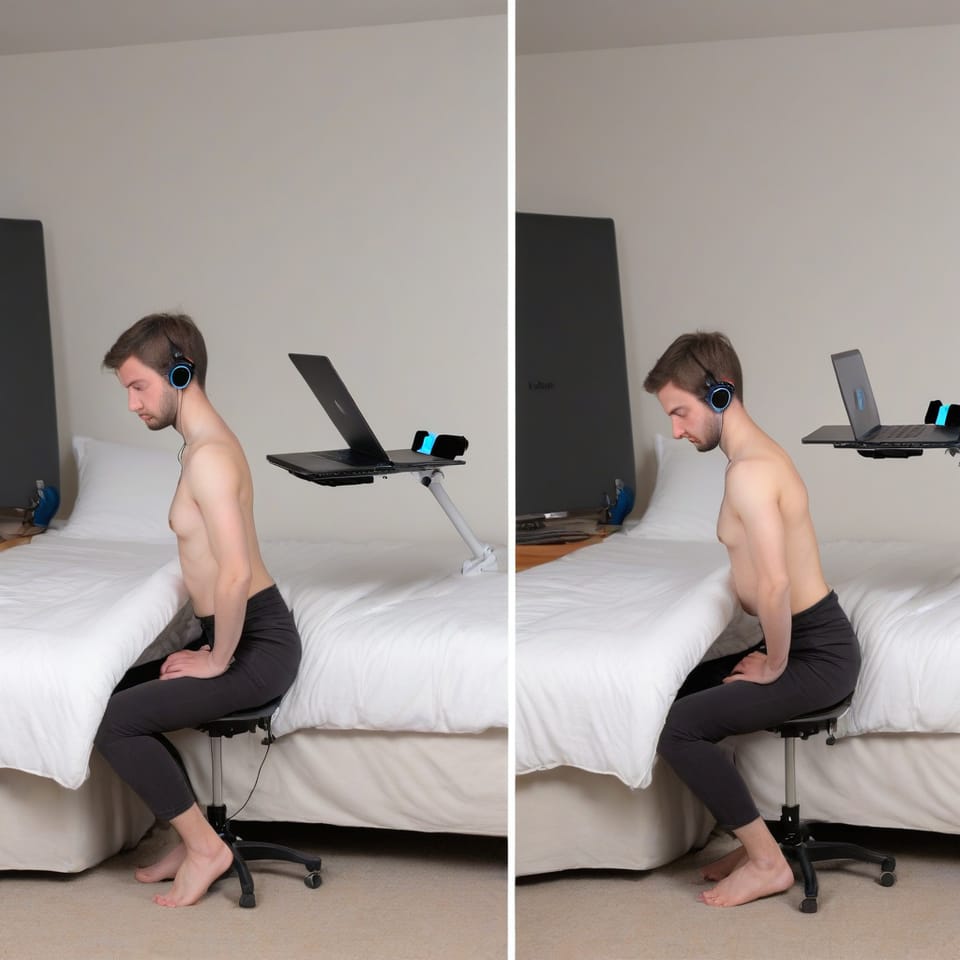
Think about your setup right now. Are you hunched over a laptop? Sitting on your bed? Craning your neck toward that webcam, reaching sideways for your mouse? You're not just uncomfortable-you're creating chronic injuries that are going to limit how long you can actually work. And that directly impacts how much you can earn.
Why Cam Models Get Injured Faster Than Office Workers
Office workers deal with repetitive strain injuries too, but it usually takes years. For cam models? It happens way faster. Here's why:
- You're performing, not just sitting there typing. You're holding poses, arching your back, reaching for toys, staying in unnatural positions because they look good on camera
- You're multitasking physically-typing, clicking, posing, moving, all while keeping eye contact with that camera
- Your setup prioritizes looking good over feeling good. That ring light placement that looks amazing on camera but makes you twist your torso 30 degrees just to see your screen? Yeah, that.
- You're actually working longer than you think. A '4-hour stream' usually turns into 5-6 hours once you factor in setup time, posting content, responding to messages
Office workers have HR departments making them do ergonomic assessments. We've got bedroom setups optimized for lighting and camera angles, with zero thought given to our spinal health.
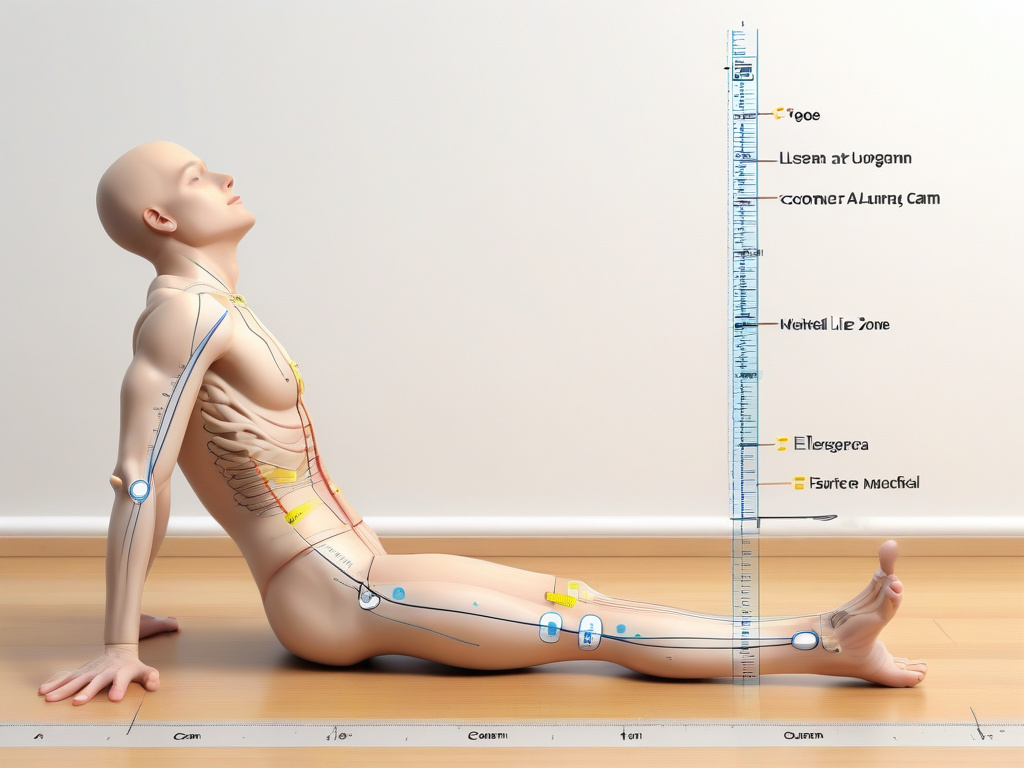
The Four Injuries That End Cam Careers Early
1. Tech Neck (Forward Head Posture)
When your webcam sits below eye level, you're tilting your head down to look at it. Your head weighs about 10-12 pounds. But here's the kicker-for every inch your head moves forward, your neck muscles have to support an extra 10 pounds.
So if you're tilting your head down 15 degrees to look at a laptop webcam, your neck is suddenly supporting 27 pounds. Do that for 6 hours a day, and you'll have chronic neck pain within months. Not years. Months.
Symptoms: Stiff neck, headaches at the base of your skull, shoulder pain, that annoying feeling where you can't quite turn your head all the way to one side.
2. Lower Back Strain
Sitting on a bed, on the floor, or in a chair without proper lumbar support means your lower back is constantly working just to keep you upright. Then add in the twisting-looking at your screen while staying angled toward the camera-and you're compressing your spine in ways it really wasn't designed for.
And if you're one of those models who sits on your knees or in W-position because it looks cute? You're putting massive strain on your hips and lower back.
Symptoms: That dull ache in your lower back after streams, pain when you stand up, constantly feeling like you need to crack your back.
3. Carpal Tunnel and Wrist Strain
You're typing constantly-responding to chat, controlling tip-activated toys, switching between browser tabs, managing OBS or whatever streaming software you use. If your keyboard is too high, too low, or positioned so you're reaching at some weird angle, you're compressing the median nerve in your wrist.
Using a laptop trackpad instead of a mouse? Even worse. You're cramming all that repetitive motion into just your thumb and index finger.
Symptoms: Tingling in your thumb, index, and middle fingers. Wrist pain when typing. That feeling where you need to shake your hands out. Weakness when you're trying to grip stuff.
4. Shoulder and Upper Back Tension
Ever notice how your shoulders creep up toward your ears when you're focused? Or how your upper back rounds forward when you lean toward the screen? Hold those positions for hours, and your trapezius muscles stay permanently tight.
If you're reaching sideways for your mouse or keyboard, you're creating muscle imbalances that lead to chronic tension.
Symptoms: Knots between your shoulder blades, tension headaches, that burning sensation across your upper back, shoulder pain that radiates down your arm.
The $50 Ergonomic Setup That Actually Works
Look, you don't need to drop $1,200 on a Herman Miller chair. You just need these five things:
1. Raise Your Camera to Eye Level ($0-15)
Your camera should be at the exact same height as your eyes when you're sitting with good posture. Not angled down. Not angled up. Eye. Level.
Solutions:
- Stack books or boxes under your laptop to raise it (completely free)
- Buy a laptop stand ($15-25 on Amazon)
- Mount your webcam on a small tripod or phone mount ($10-20)
Yeah, this means you'll need an external keyboard and mouse. But honestly? Preventing tech neck is worth $20.
2. Lumbar Support ($10-20)
Your lower back needs to maintain its natural curve. When you're sitting on a bed or in a chair without back support, you're rounding your spine-and that's bad news.
Solutions:
- Buy a lumbar support pillow for $12-20
- Roll up a towel and stick it at the small of your back (free)
- If you stream from the floor, sit against a wall with a pillow behind your lower back
The goal here: Your lower back should feel supported, not like you're constantly using muscles just to hold yourself upright.
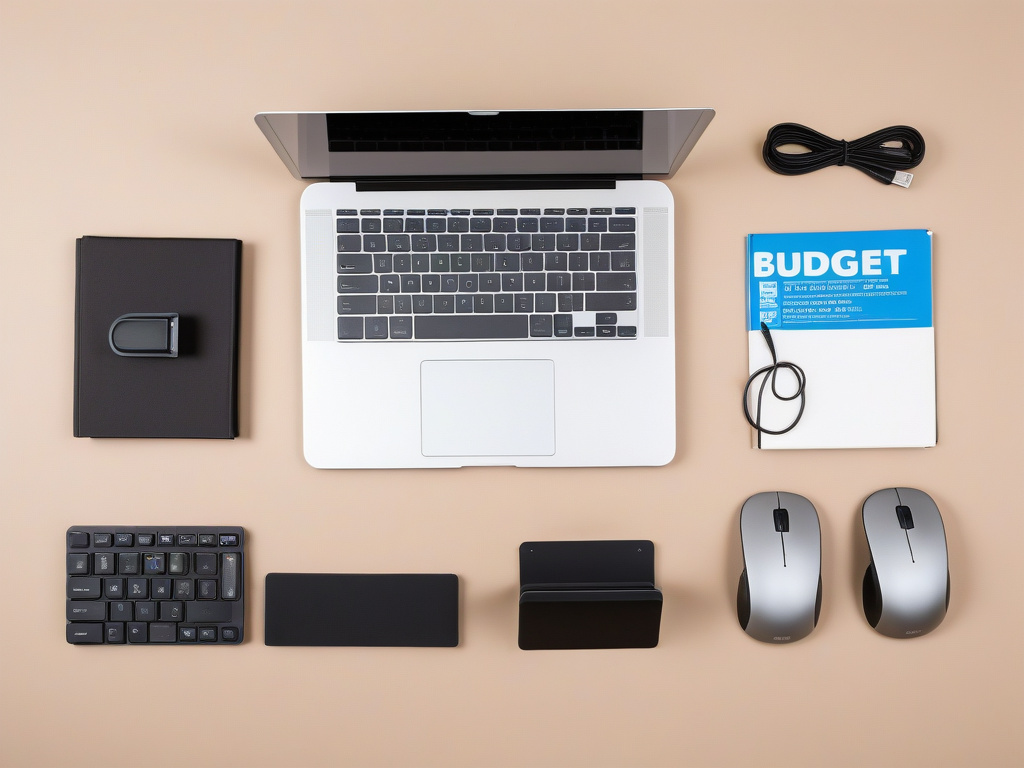
3. Keyboard and Mouse at Elbow Height ($20-40)
When you're typing, your elbows should be at a 90-degree angle. Your wrists should be straight-not bent up or down.
Solutions:
- Buy a basic wireless keyboard and mouse (about $20-30 for both)
- Use a keyboard tray if your desk is too high (or just lower your chair)
- Make sure your mouse is right next to your keyboard, not off to the side where you're constantly reaching
If you're still using a laptop trackpad, seriously, stop. Get a mouse. Your wrist will thank you.
4. Feet Flat on the Floor or Footrest ($0-15)
Your feet should be flat. Not dangling. Not tucked under you. Flat contact with either the floor or a footrest.
When your feet dangle, you're putting pressure on the back of your thighs and messing with your circulation. When you tuck them under you, you're twisting your hips and straining your lower back.
Solutions:
- Adjust your chair height so your feet naturally rest flat on the floor
- Use a box, stack of books, or an actual footrest under your desk ($10-15 for a basic one)
- If you stream on your bed, maybe consider moving to a chair for at least part of your streams
5. Take Micro-Breaks Every 30 Minutes (Free)
Your body wasn't designed to hold one position for hours on end. Even with perfect ergonomics, you need to move.
Every 30 minutes:
- Stand up and stretch for 30 seconds
- Roll your shoulders back 10 times
- Tilt your head side to side to release neck tension
- Shake out your hands
Just frame it to your viewers: 'Quick costume change,' 'Grabbing water,' 'Adjusting my lighting.' They don't need to know you're preventing carpal tunnel.
The Reality Check: Poor Ergonomics Costs You Money
Let's do the math real quick.
Say you make $80/hour camming. Then you develop wrist pain so bad you have to take a week off to let it heal. That's $560 lost if you usually stream 7 hours per week.
Or maybe you develop chronic back pain that cuts your 6-hour streams down to 3 hours. That's $240/day you're not making because your body literally can't handle longer shifts.
A $50 ergonomic setup prevents thousands in lost income. It's not an expense-it's insurance for your body, which happens to be your entire business.
We talk all the time about avoiding burnout and how working longer hours doesn't equal better earnings. But we also need to talk about physical limits. You can't work any hours if your body is broken.
The 5-Minute Posture Check You Should Do Every Stream
Before you go live, check these five things:
- Camera at eye level? Can you look straight ahead without tilting your head up or down?
- Back supported? Is there something behind your lower back, or are you using muscles to hold yourself upright?
- Elbows at 90 degrees? Are your forearms roughly parallel to the floor when you type?
- Feet flat? Are they on the floor or a footrest, not dangling or tucked under you?
- Shoulders relaxed? Are they down and back, not hunched up toward your ears?
If you answered no to any of these, fix it before you start. Your 35-year-old self will thank you.
What to Do If You Already Have Pain
If you're already dealing with chronic neck, back, or wrist pain:
1. See a physical therapist. Yeah, it costs money. But so does losing your ability to work. A lot of insurance plans cover PT, and some therapists offer sliding scale rates.
2. Fix your setup immediately. Every single day you work with bad ergonomics is making things worse.
3. Reduce your hours temporarily. I know this sucks financially. But pushing through pain for 6 hours a day is going to force you into a 2-week break when your body completely gives out.
4. Ice and heat. Ice for acute pain (sharp, recent stuff). Heat for chronic tension (tight, achy muscles).
5. Stretch daily. Not just during streams-before you go live, after you log off, and on your days off.
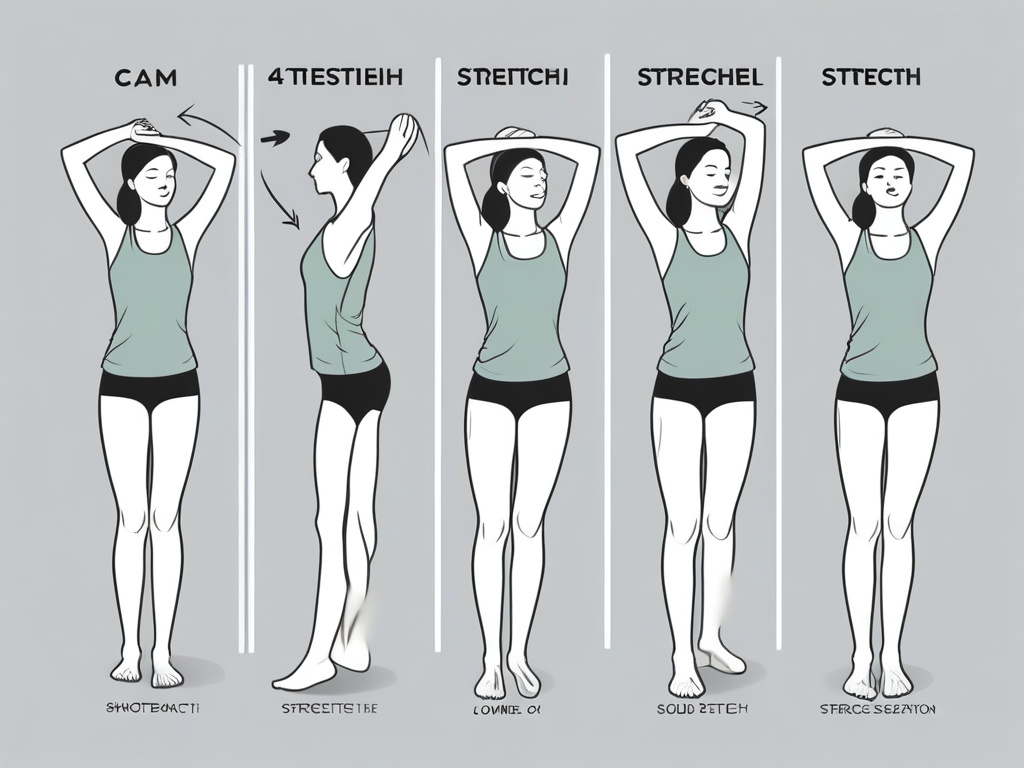
The Stretches That Actually Help
Do these for 30 seconds each before and after every stream:
For neck tension: Sit up straight. Tilt your right ear toward your right shoulder. Hold. Switch sides. Then tuck your chin down toward your chest and hold.
For shoulder tension: Clasp your hands behind your back. Straighten your arms and lift them slightly. Squeeze your shoulder blades together. Hold.
For wrist strain: Extend your right arm in front of you, palm up. Use your left hand to gently pull your fingers back. Hold. Flip your hand over (palm down) and pull your fingers down. Switch hands.
For lower back: Stand up. Put your hands on your lower back. Gently arch backward. Hold for 5 seconds. Come back to neutral. Repeat 5 times.
These aren't complicated yoga poses. They're just basic stretches that reverse the positions you hold during streams.
The Upgrade Path: When to Invest More
The $50 setup will honestly get you 80% of the way there. But if you're camming full-time and making consistent money, here's where you might want to upgrade:
A real ergonomic chair ($150-300): Look for adjustable seat height, lumbar support, and armrests that actually adjust. You don't need a gaming chair-you need a chair designed for people who work 8-hour shifts.
An adjustable desk or monitor arm ($50-150): Being able to change positions throughout the day reduces repetitive strain. A monitor arm lets you dial in your screen height perfectly.
An ergonomic keyboard and vertical mouse ($60-120): Split keyboards reduce wrist strain. Vertical mice keep your wrist in a more neutral position.
A standing desk converter ($100-200): Alternating between sitting and standing throughout the day takes pressure off your lower back.
But honestly, start with the $50 basics. A $300 chair isn't going to help if your camera is still at nipple height and you're hunching over a laptop.
Why Nobody Talks About This
Physical health isn't sexy. It's not as interesting as drama about platforms or algorithms or tax strategies. It's just boring infrastructure.
But it's the infrastructure that determines whether you can still cam in 5 years or whether you're forced to quit because your body literally can't handle it anymore.
Models share budget tips for costumes and props all the time. We need to also share our budget tips for not destroying our spines.
That 24-year-old with the spine of a 55-year-old? She fixed her setup. Got a laptop stand, a lumbar pillow, and an external keyboard. Three months later, her back pain is 80% better.
The 22-year-old with wrist pain? She started using a vertical mouse and taking breaks every 30 minutes. She's back to streaming full-time now.
Your body is your business. Protect it the same way you protect your income.
The Bottom Line
You can't earn money if you can't work. Chronic pain from bad ergonomics will limit your earning capacity way more than any algorithm change or platform policy ever could.
Spend $50 now or lose thousands later when you're forced to take time off for injuries that could've been prevented.
Camera at eye level. Back supported. Elbows at 90 degrees. Feet flat. Breaks every 30 minutes.
That's it. That's the setup that lets you cam for years instead of months.
Your 30-year-old body is counting on the choices your 20-year-old self makes right now. Make them count.